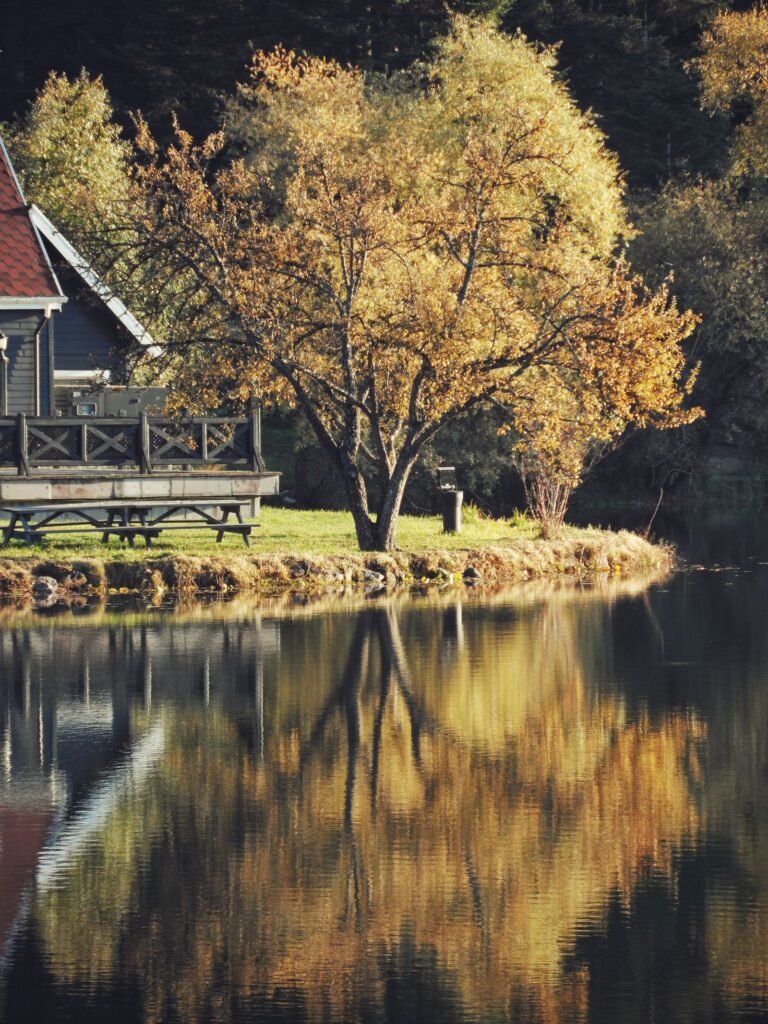
There’s something magical about a fresh winter wallpaper on your screen. As the days get shorter and the air turns crisp, swapping your phone or desktop background for a snowy forest, a glowing winter village, or the northern lights can make every glance at your screen feel calmer and cozier. Below you’ll find 16 hand-picked winter wallpapers you can download for free — each one full of snowy charm and perfect for phone, tablet, or desktop.
Why Winter Wallpapers Feel So Cozy
Winter is the season of quiet beauty. A great winter wallpaper does more than decorate your device — it changes how you feel when you unlock your phone on a gray afternoon. Cool blues and whites calm the eyes, softly falling snow scenes slow the mind, and a warm cabin glowing in a frosty landscape brings that hygge feeling right to your home screen. Psychologists say nature images reduce stress, and a winter wallpaper is an easy way to bring a little of the outdoors in, even on the busiest days. Pick a scene that matches your mood: calm and minimal for focus, dramatic mountain views for inspiration, or playful snowy scenes for a smile.
16 Free Winter Wallpapers
Every winter wallpaper below is free to download and use on your personal devices. They work beautifully as phone lock screens, home screens, and desktop backgrounds. Just click or tap to view, then save the image.
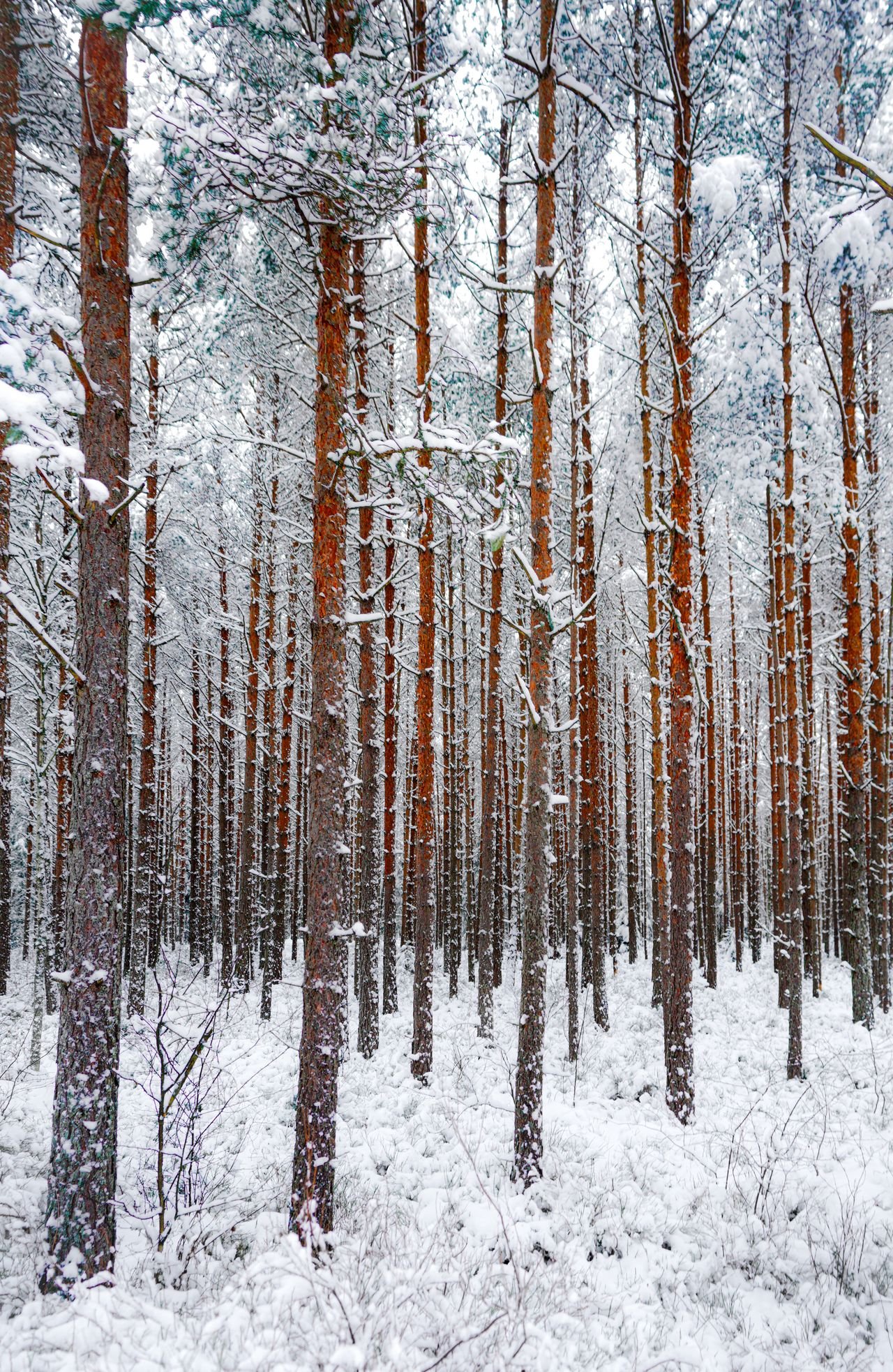
1. Snowy Pine Forest
Tall pines dusted with fresh snow stretch toward a pale winter sky in this peaceful woodland scene — a classic winter wallpaper for nature lovers.
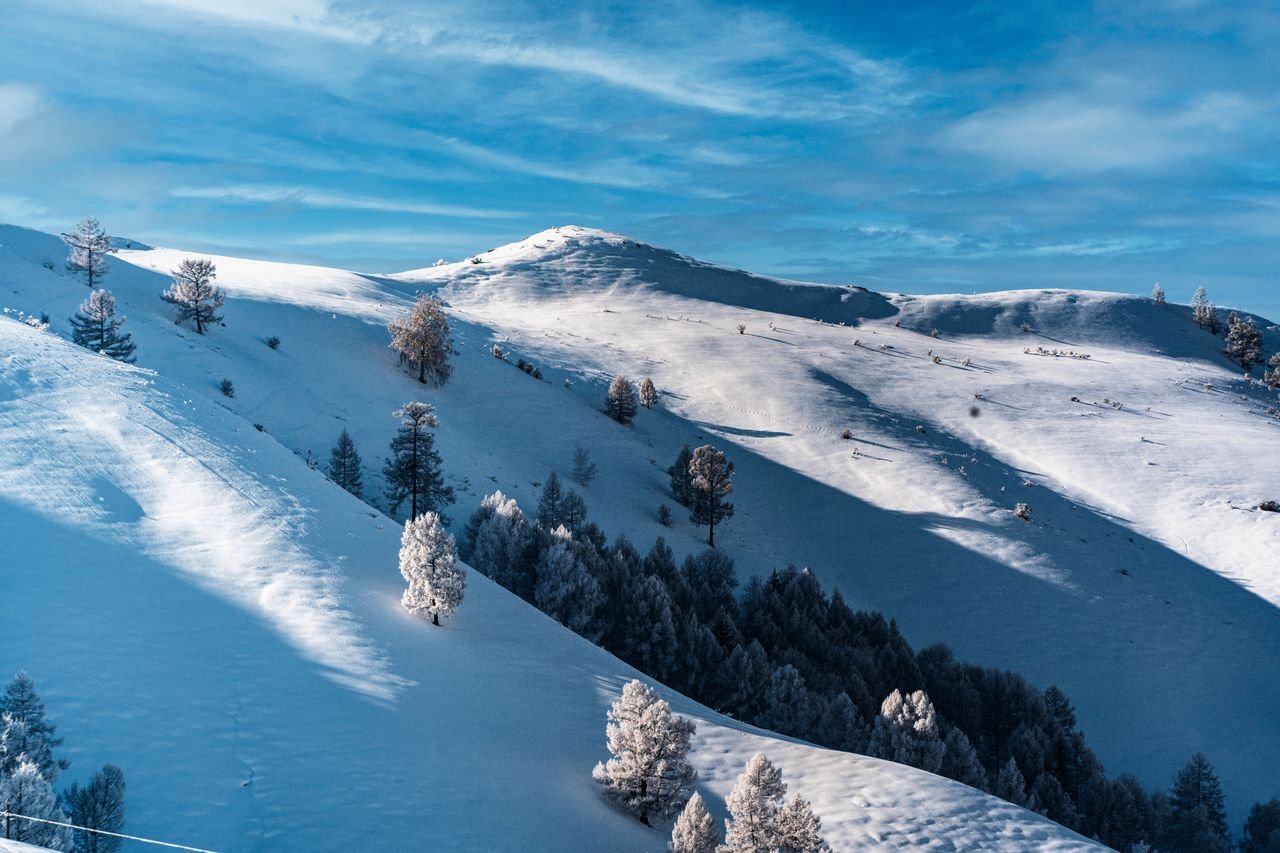
2. Snow Covered Mountain Slopes
Rolling alpine slopes blanket the landscape in sparkling white under a brilliant blue sky, with scattered evergreens breaking up the pristine snow.
3. Cozy Cabin in the Snow
A rustic wooden cabin with a snow-laden roof sits quietly among frosted evergreens — pure winter charm for your screen.

4. Frozen Lake with Cracked Ice
Deep blue ice cracks spiderweb across a frozen lake at dusk, creating a dramatic winter wallpaper that looks amazing on large desktop monitors.

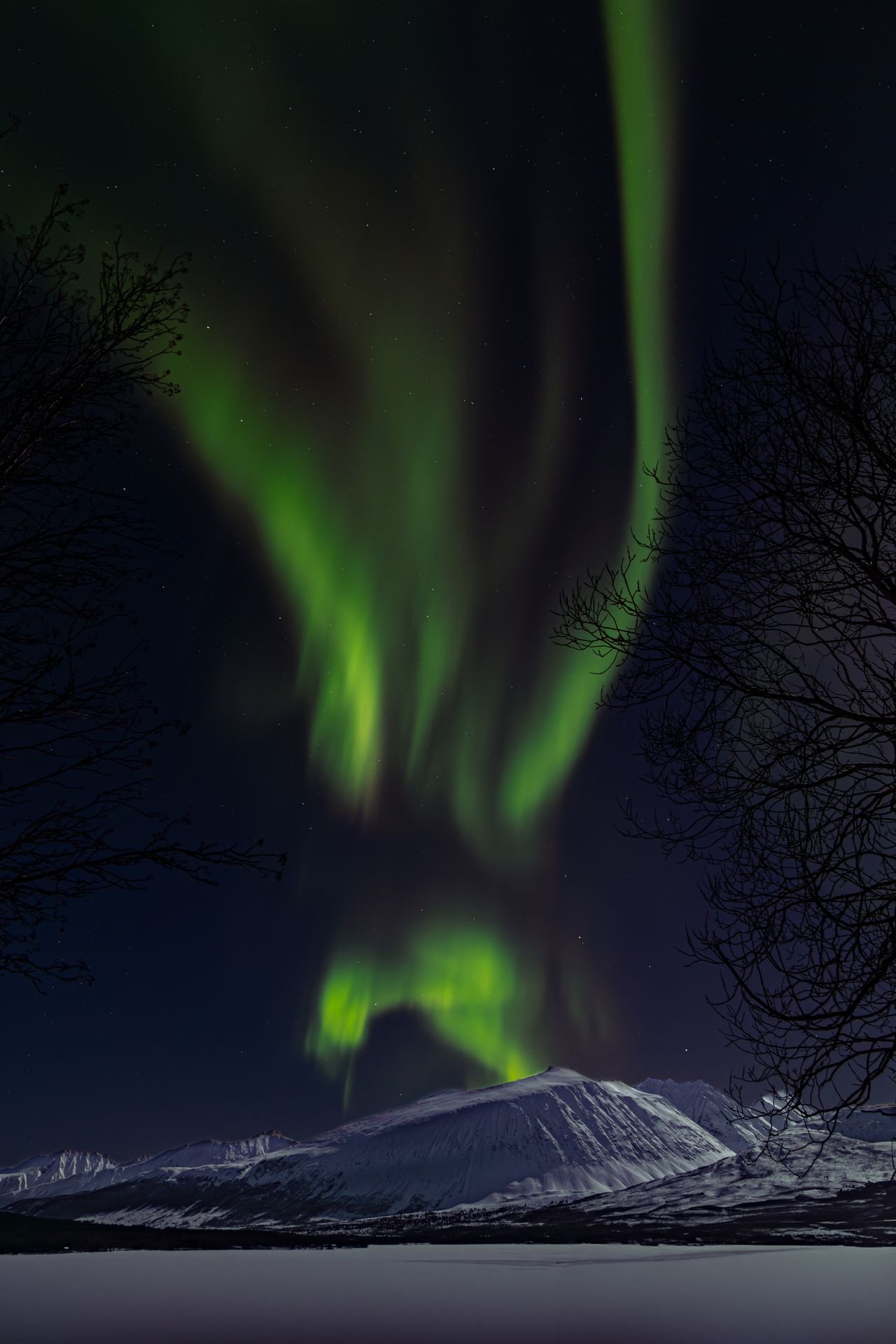
5. Aurora Borealis Over Winter Land
Ribbons of green northern lights dance across a starry winter sky — one of the most breathtaking winter wallpaper scenes you can own.
6. Winter Village Under Snow
Charming houses tucked under thick blankets of snow make this winter wallpaper feel like a scene from a storybook.
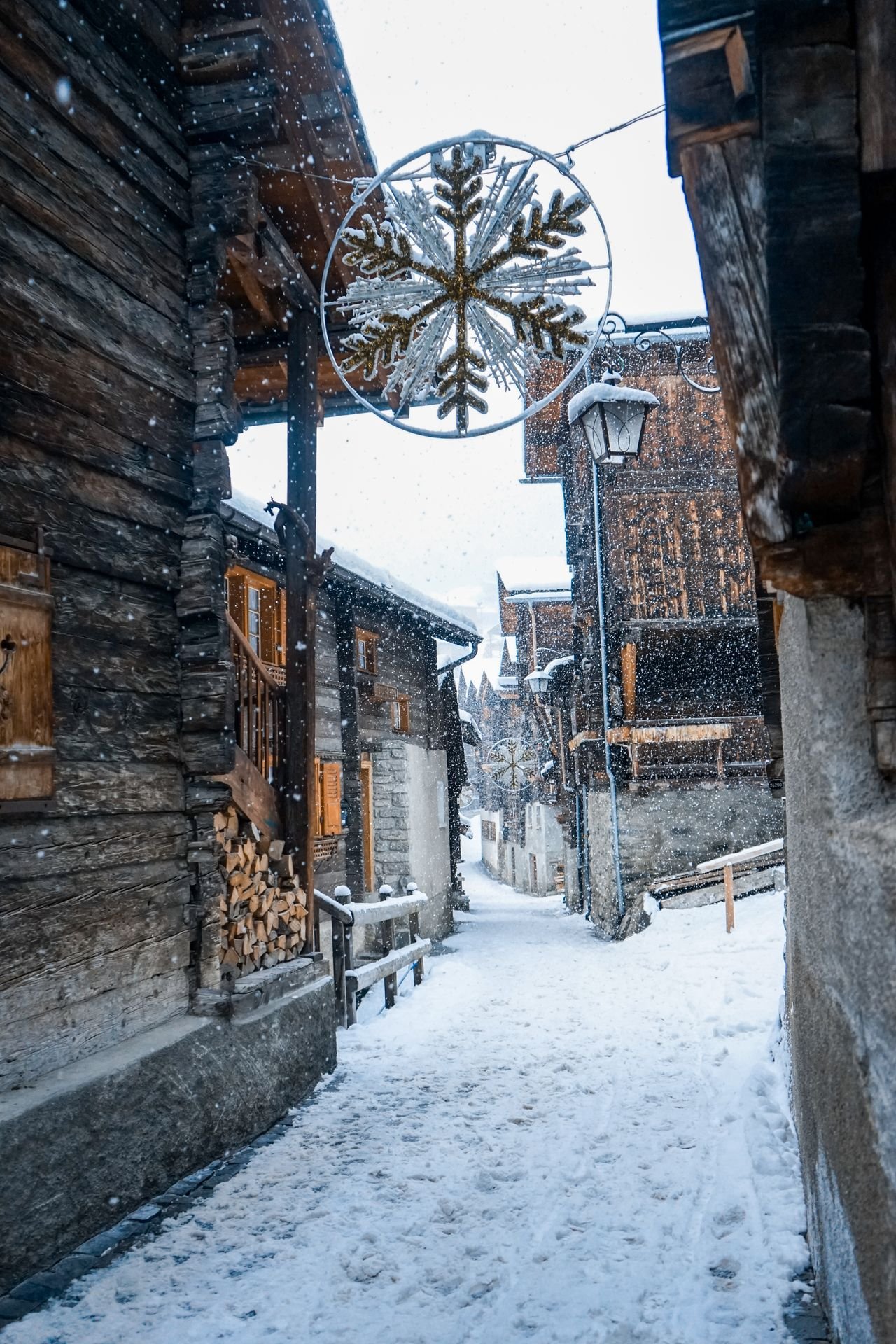
7. Snowy Wooden Bridge
A wooden footbridge arches over a half-frozen stream, framed by snow-heavy branches — a serene winter wallpaper with lovely vertical composition for phones.
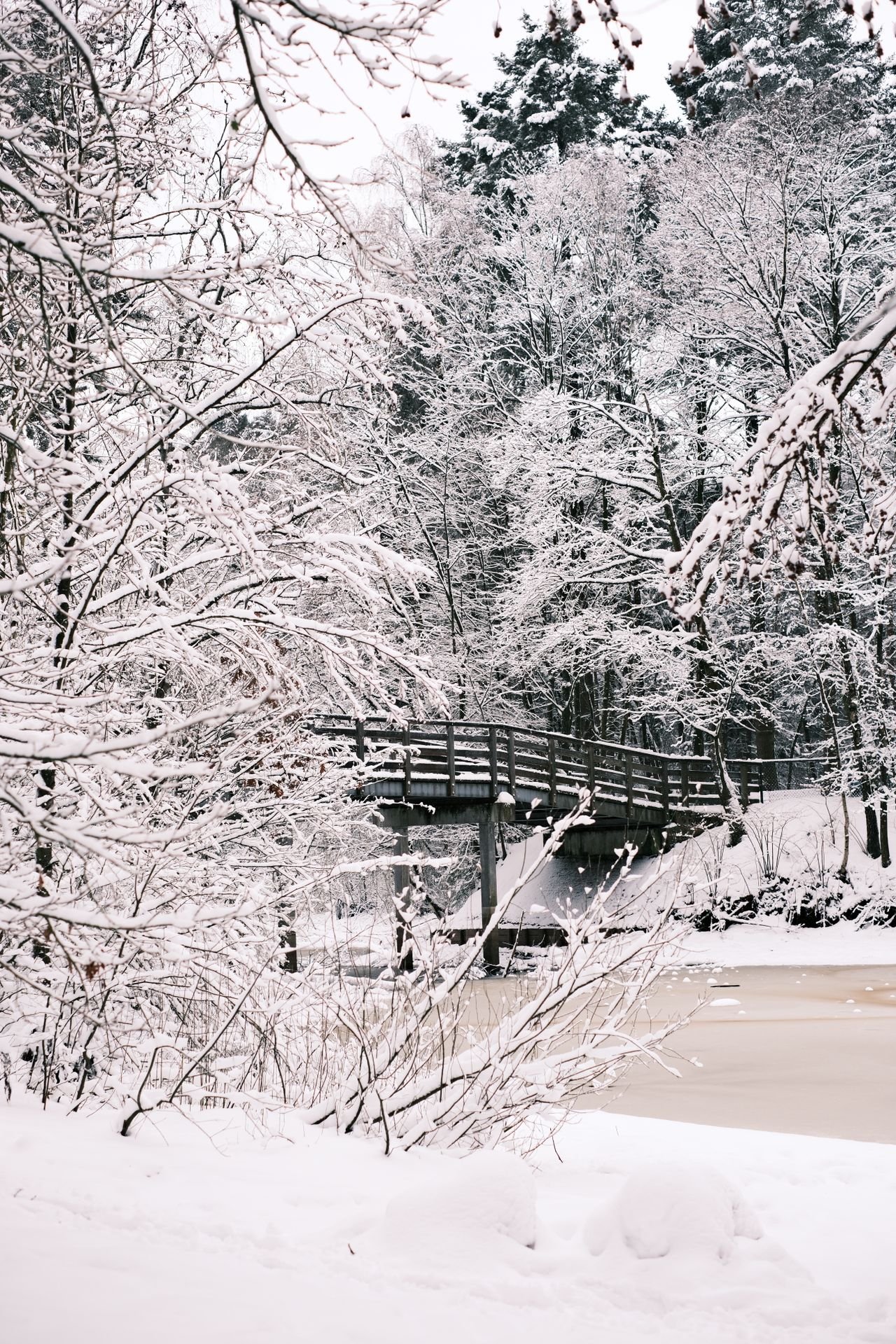
8. Frosted Branches Close-Up
Delicate branches outlined in sparkling frost glow softly in the winter light — a minimal, elegant winter wallpaper choice.

9. Blizzard Forest Road
A winding road disappears into a snow-filled forest, full of mystery and quiet adventure — a winter wallpaper that sparks the imagination.
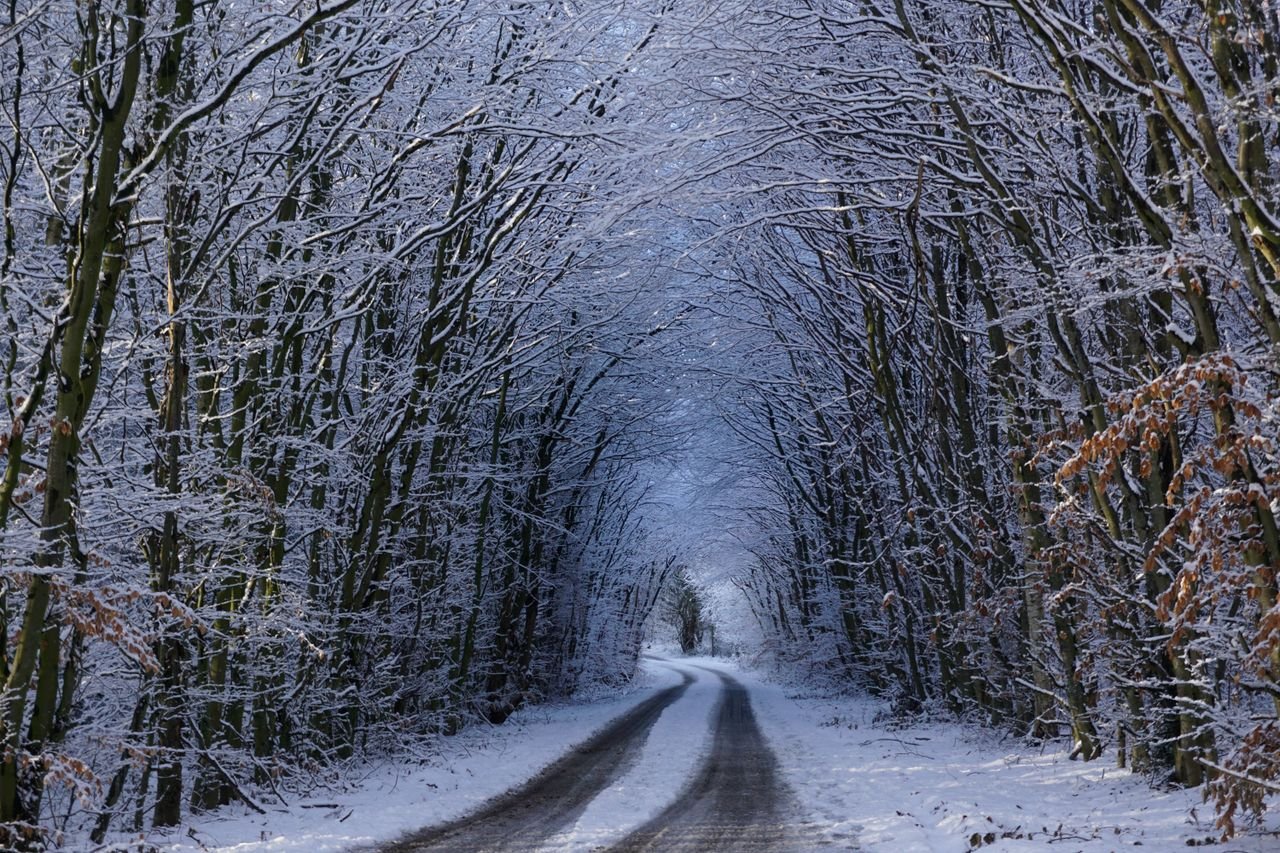
10. Alpine Peaks at Sunrise
First light paints snow-capped alpine peaks in warm gold and rose tones — an inspiring winter wallpaper for your desktop.

11. Ice Crystals Macro
Stunning ice crystal formations up close, like nature’s own glasswork — an abstract winter wallpaper that’s endlessly fascinating.
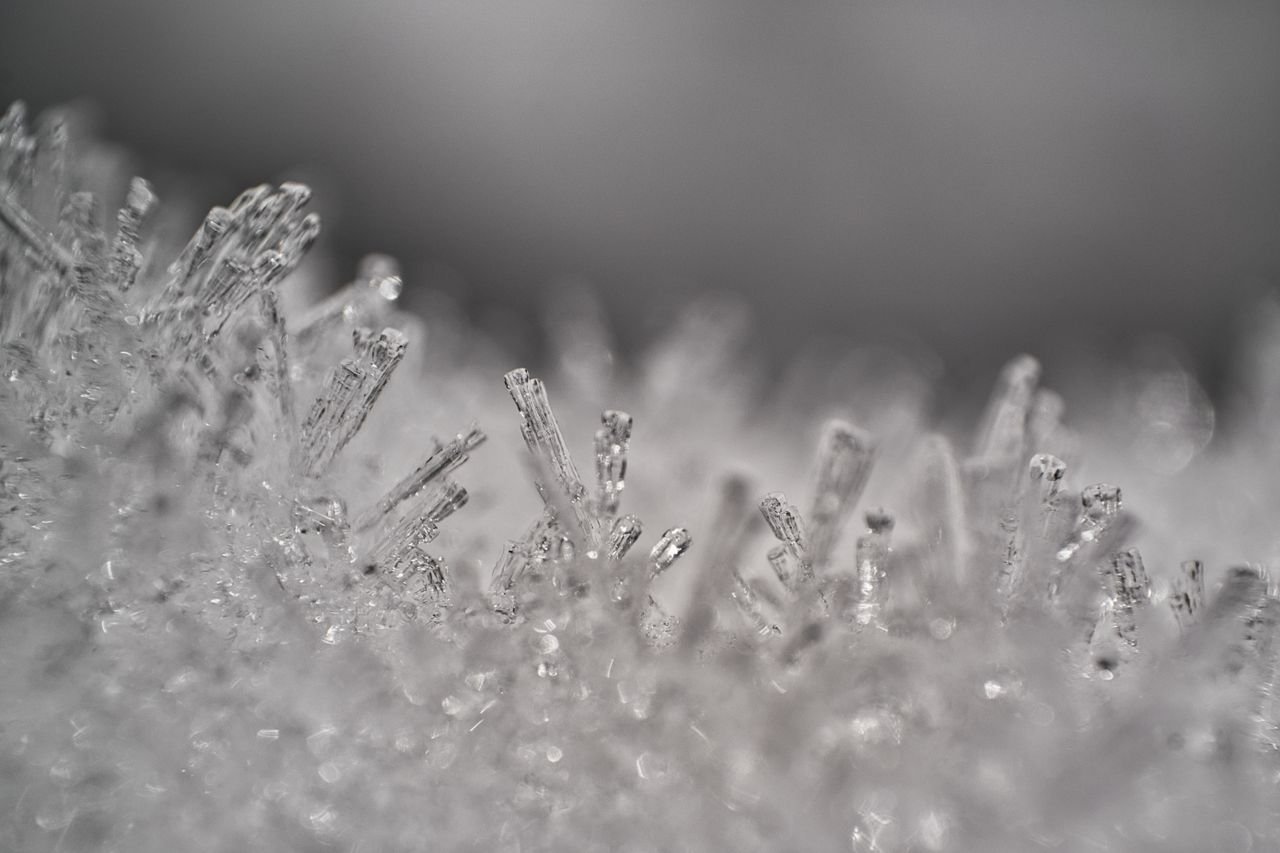
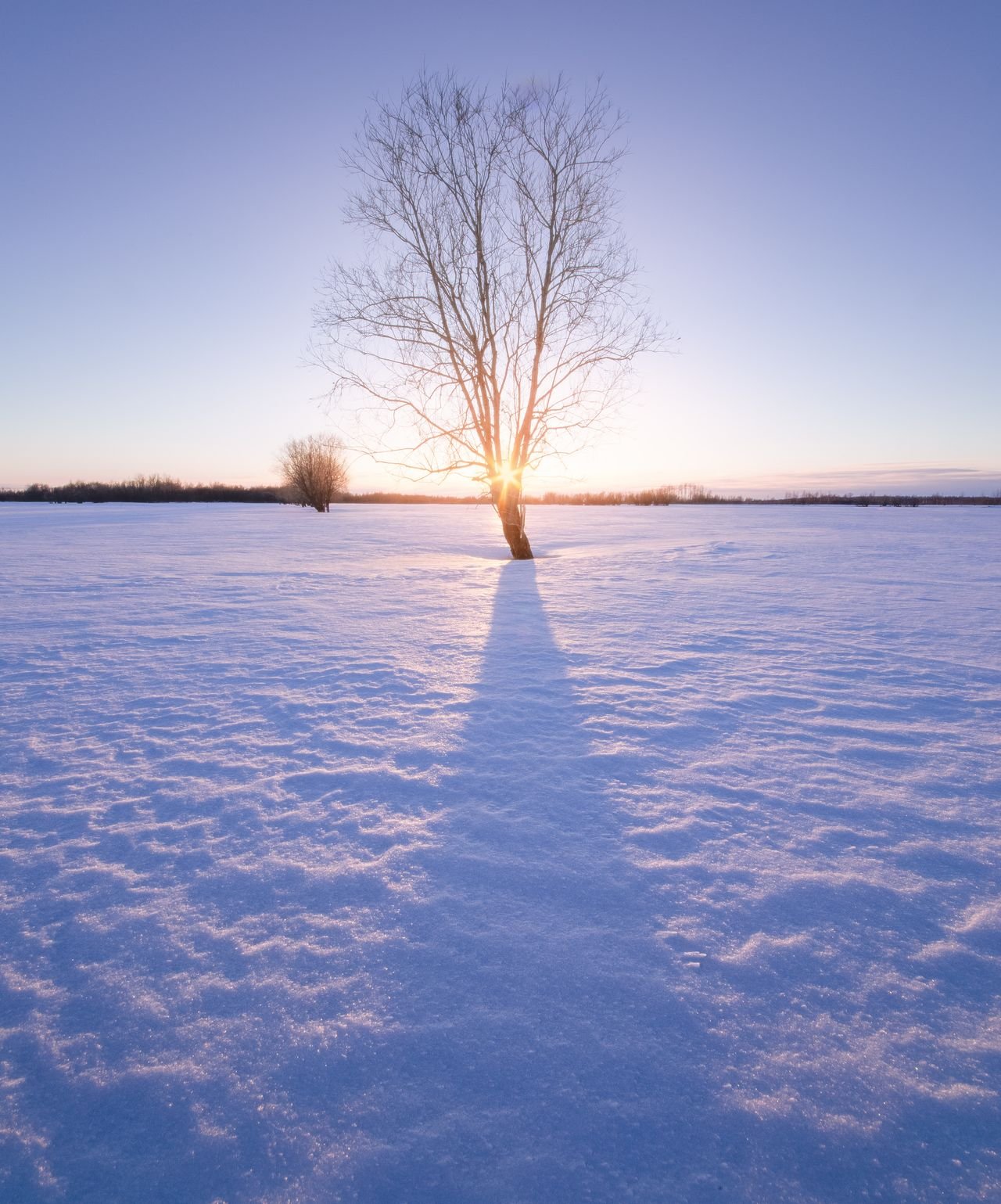
12. Snowy Field at Sunset
The sun melts into pastel colors over an open snowfield — a dreamy winter wallpaper full of soft, calming light.
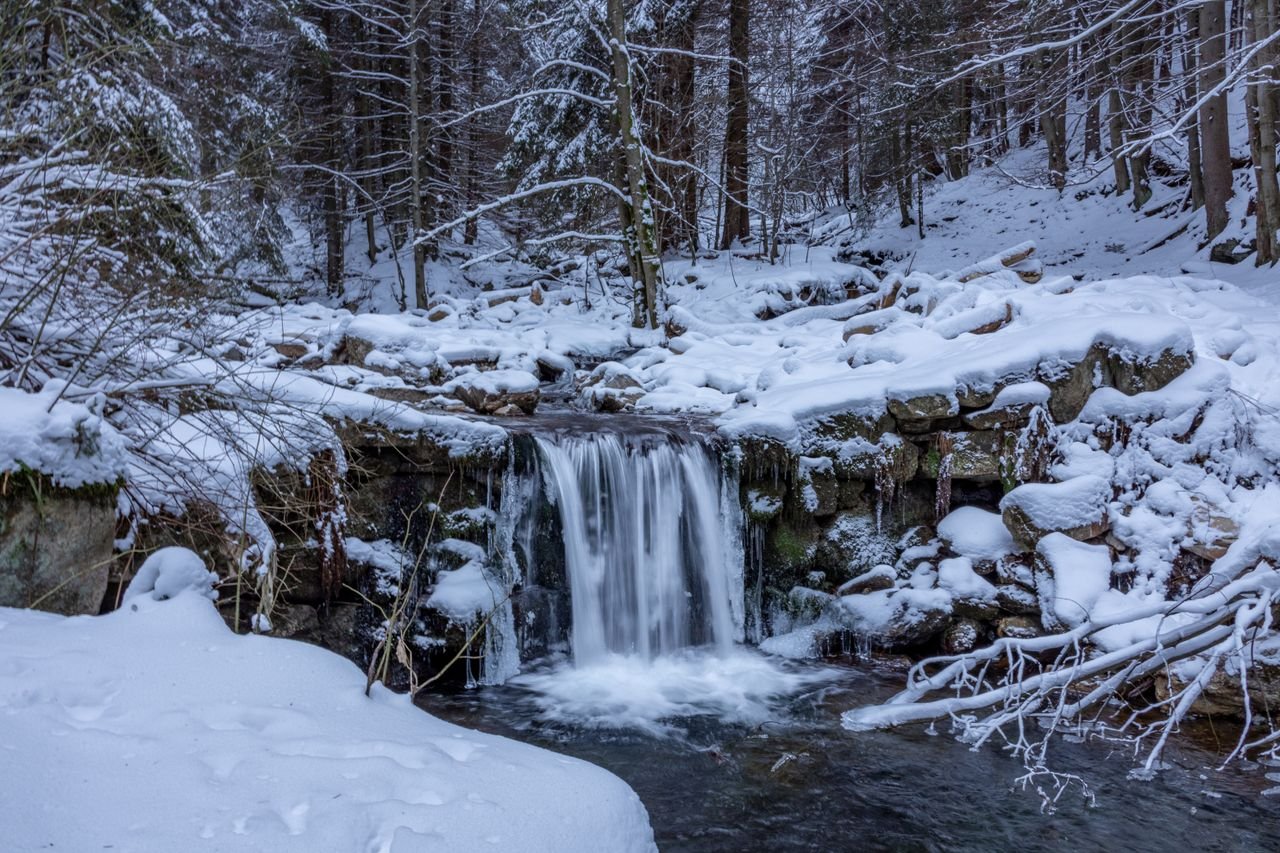
13. Winter Waterfall
A waterfall half-frozen among snow-covered rocks shows winter’s power and stillness at once — a striking winter wallpaper.
14. Cheerful Snowman Scene
A smiling snowman in a top hat and plaid scarf stands in fresh snow — a playful winter wallpaper the whole family will love.

15. Hot Air Balloons Over a Snowy Valley
Colorful hot air balloons drift over a snow-covered valley at dawn — a whimsical winter wallpaper unlike anything else on this list.

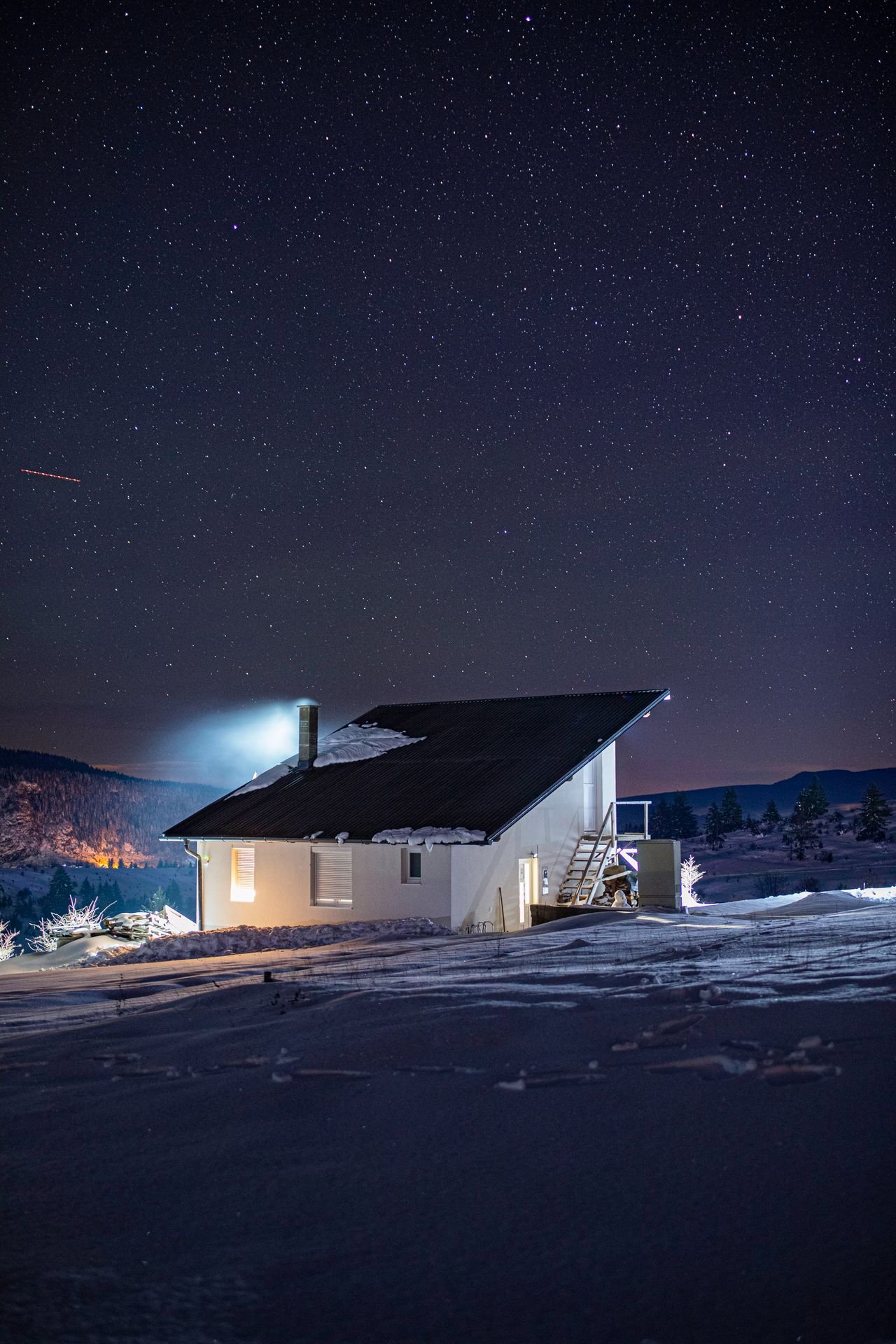
16. Starry Night Over a Snow Cabin
A thousand stars shine above a cozy cabin glowing in the snowy night — a magical winter wallpaper and a perfect phone lock screen.
How to Download & Set Your Winter Wallpaper
On your phone: Tap or long-press your favorite winter wallpaper above and choose “Save image.” Then open your phone’s Settings, go to Wallpaper (or Background), and pick the saved image as your lock screen or home screen. Vertical images fit phones best; pinch to adjust the crop.
On your desktop: Right-click any winter wallpaper and choose “Save image as.” Then on Windows, right-click the file and select “Set as desktop background.” On Mac, open System Settings, choose Wallpaper, and add the saved file. Wide landscape images work best for monitors.
Looking for more seasonal backgrounds? Browse our full wallpapers collection, including our cozy Christmas wallpapers and warm fall wallpapers. Whichever winter wallpaper you choose, enjoy the cozy views — and check back often, because new seasonal collections land here all winter long.